Download
v1.2.5Login required
RabbitCAM X
Computer Aided Manufacturing software for creating, simulating and post-processing 2D, 2.5D and 3D toolpaths for 3-axis CNC machines.
Create precise 2D, 2.5D and 3D toolpaths, simulate your machining process, and generate machine-ready G-code with a fast and intuitive workflow.
Computer Aided Manufacturing software for creating, simulating and post-processing 2D, 2.5D and 3D toolpaths for 3-axis CNC machines.
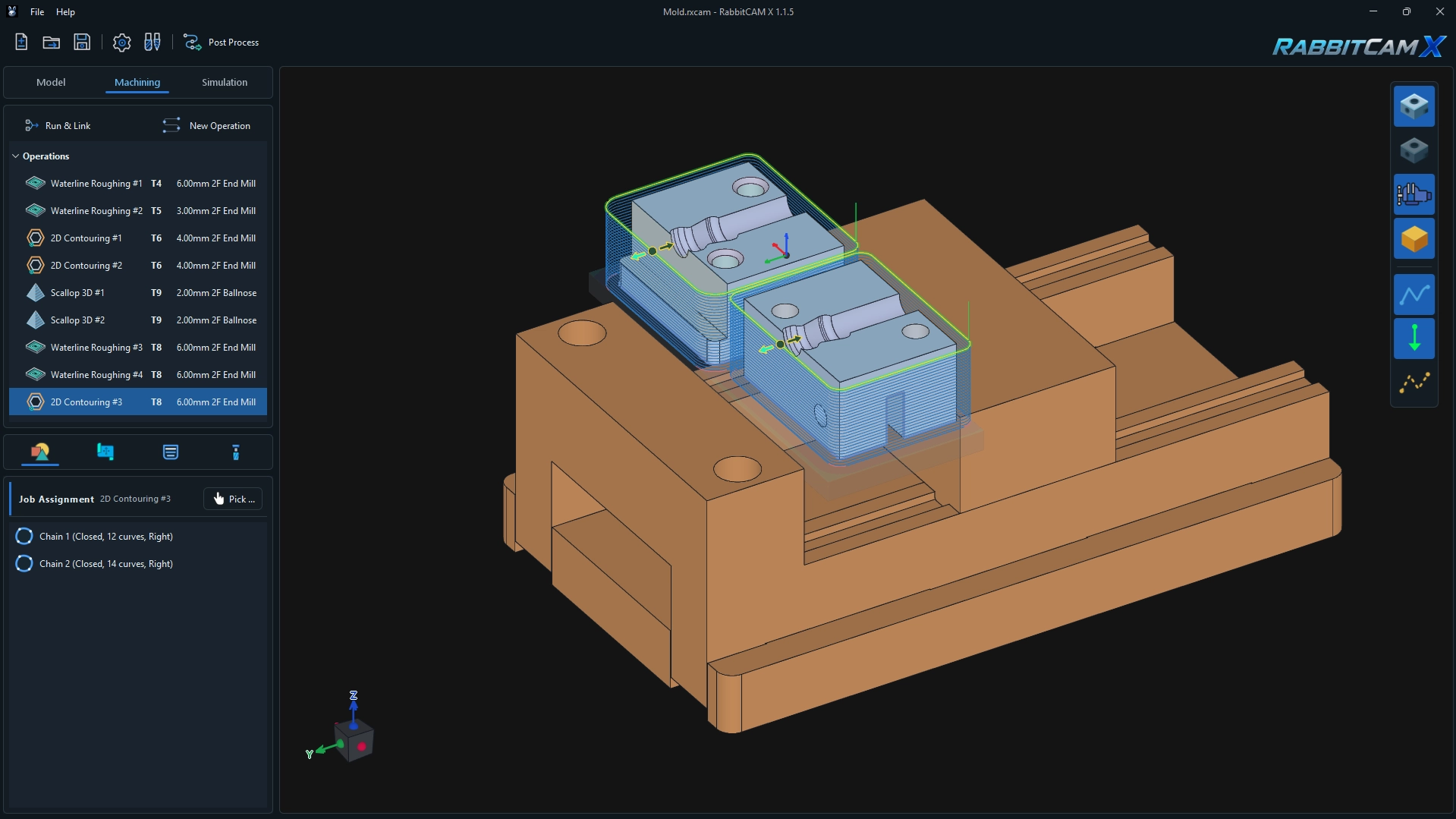
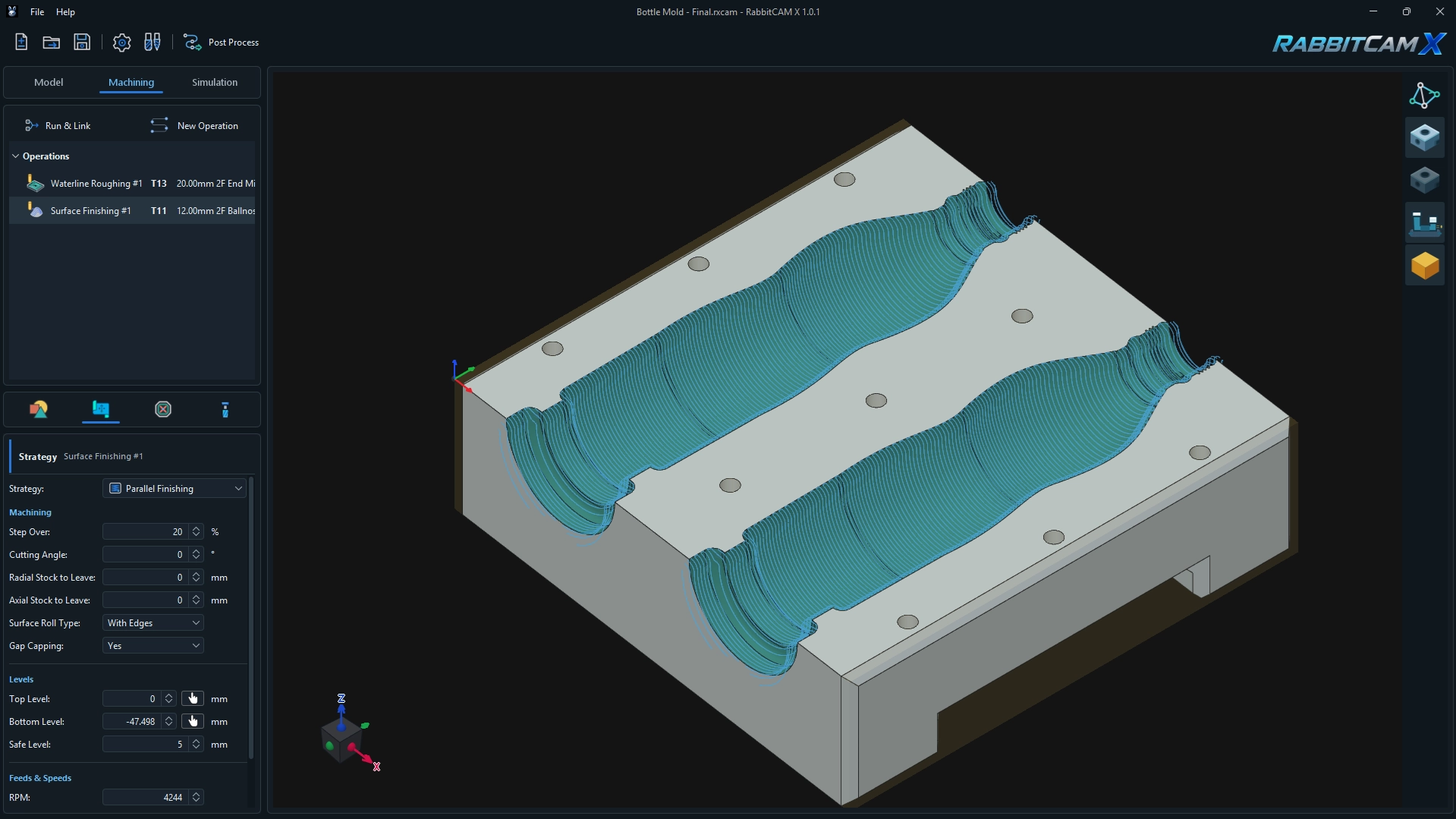
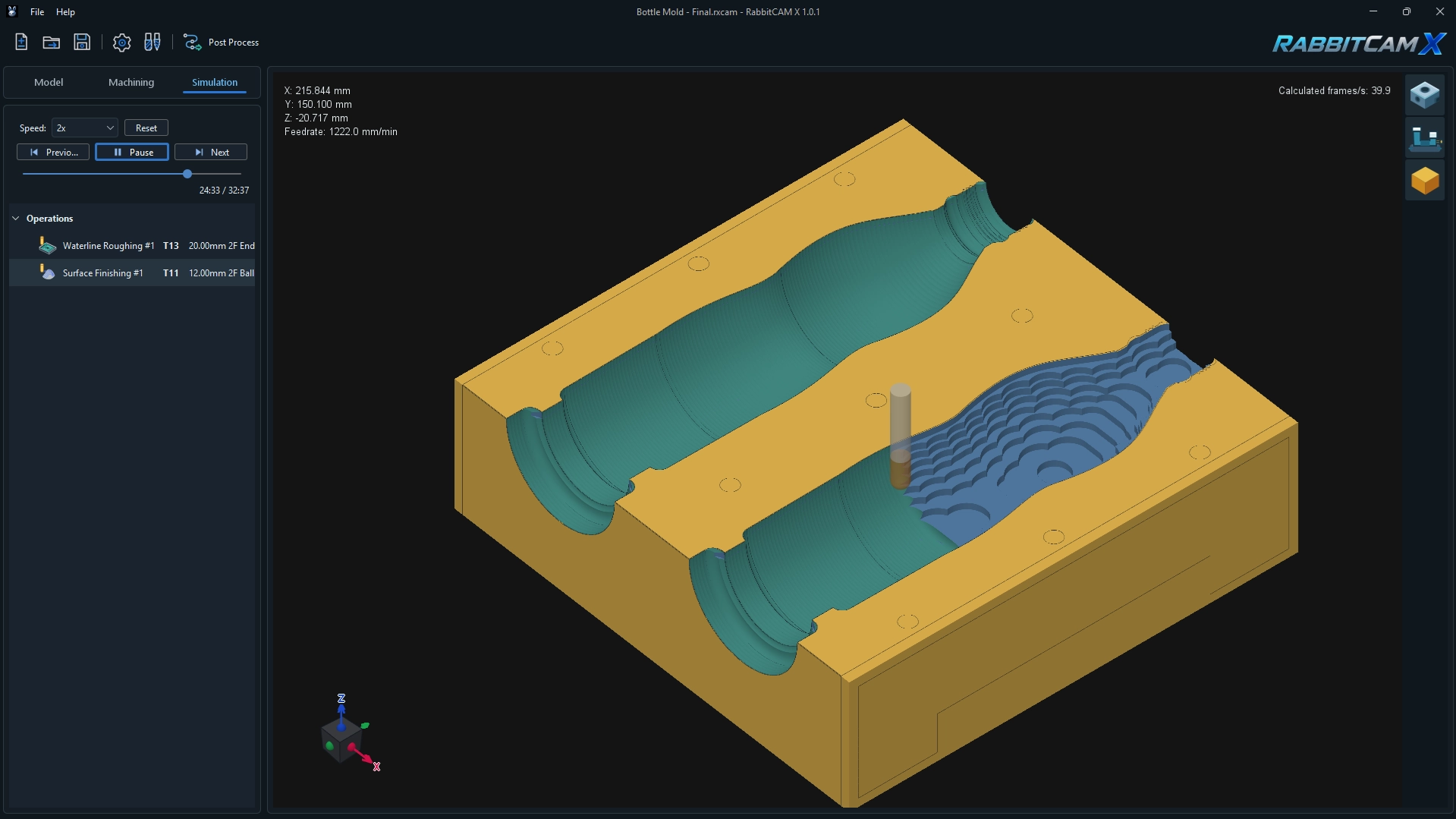
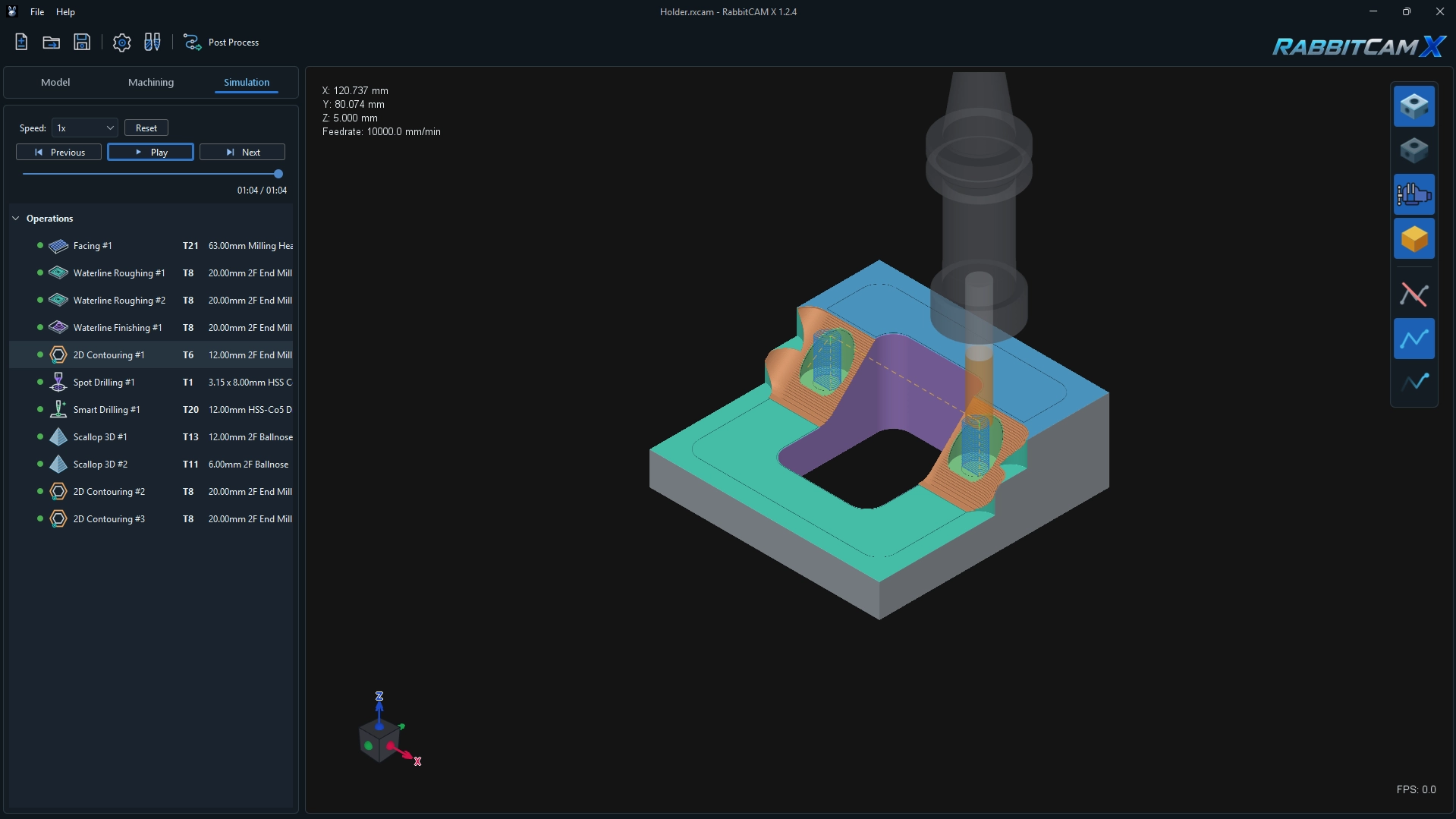
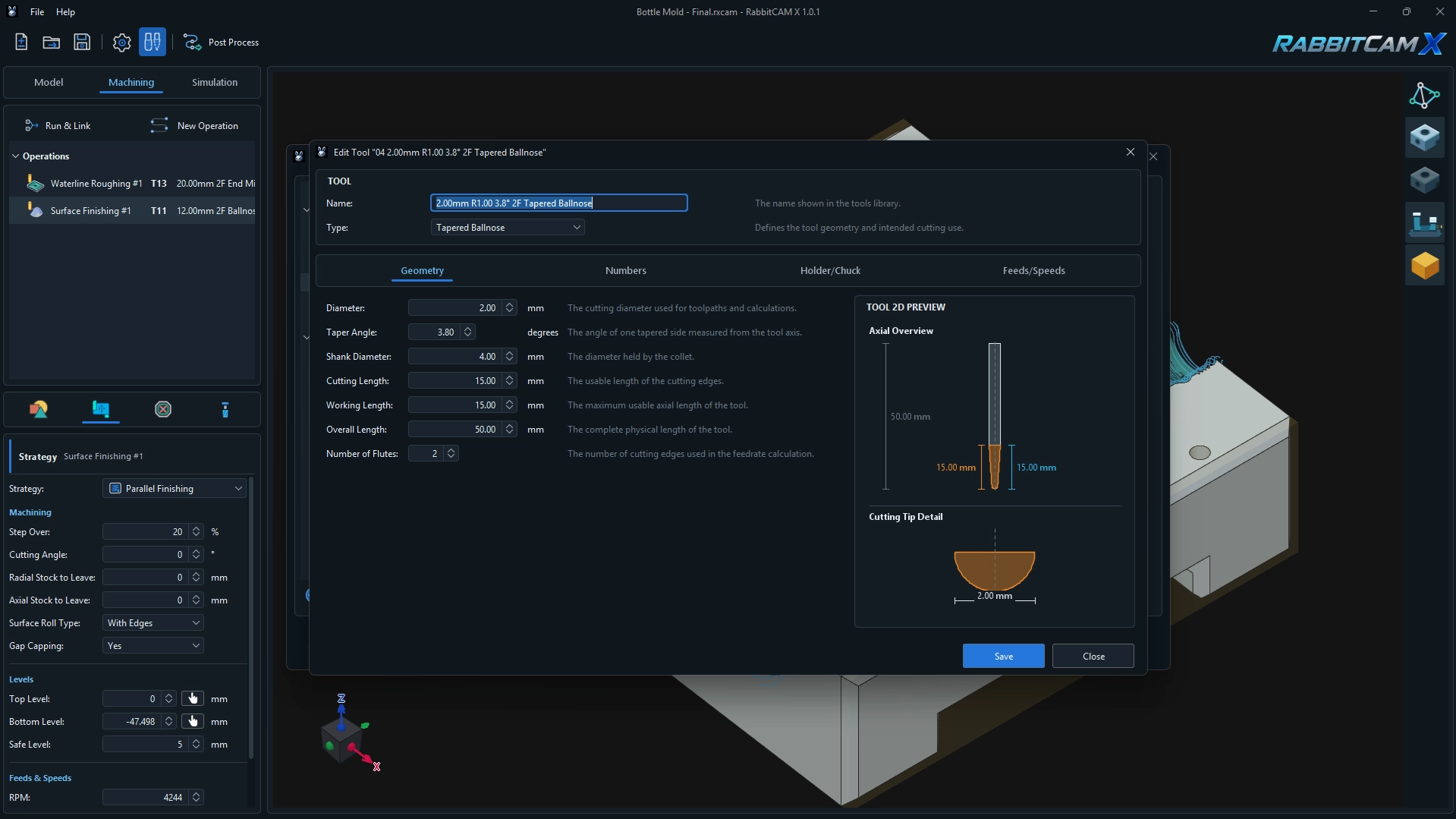
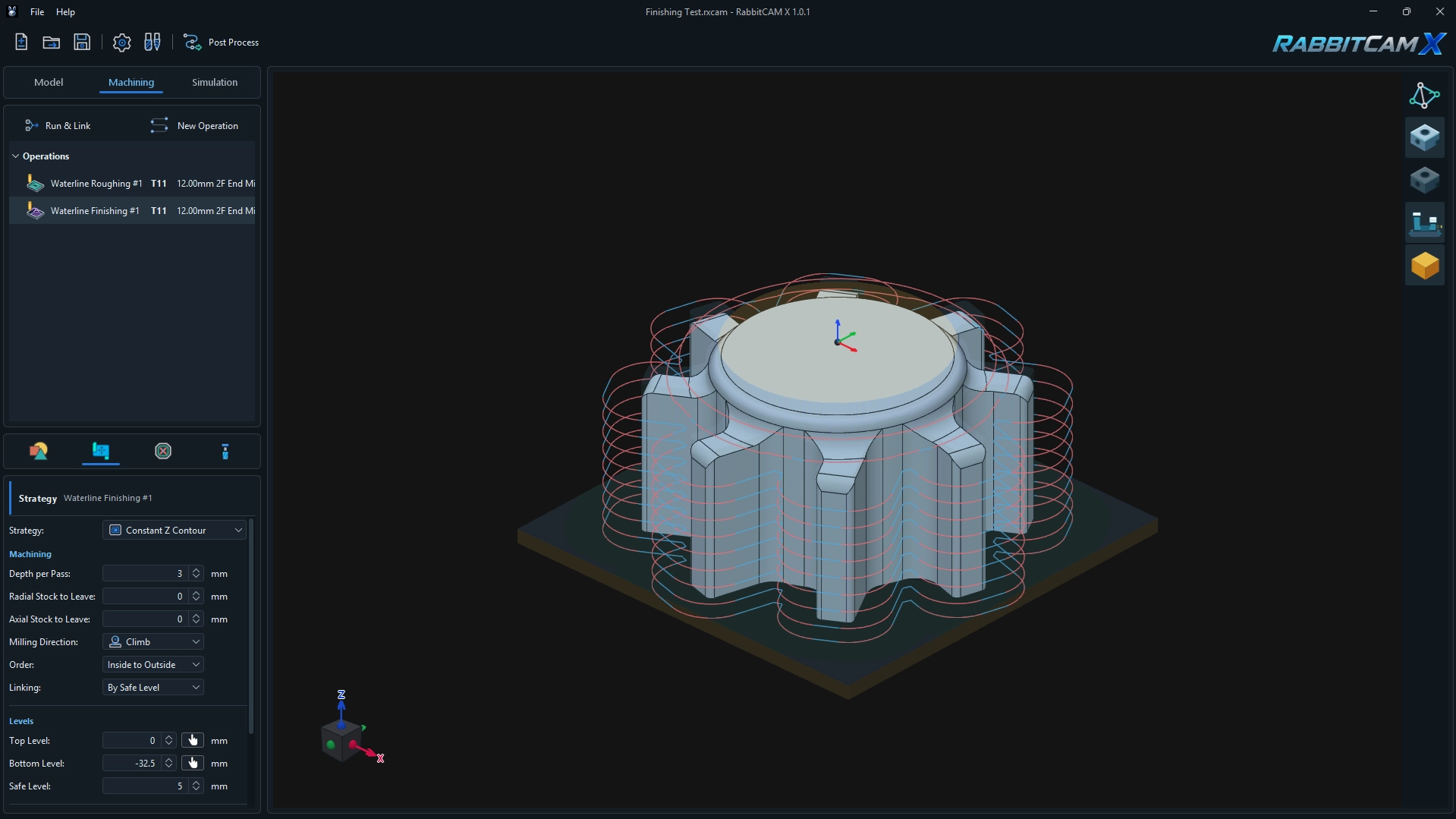
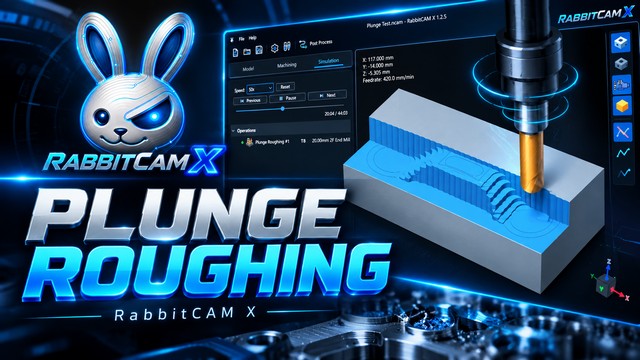
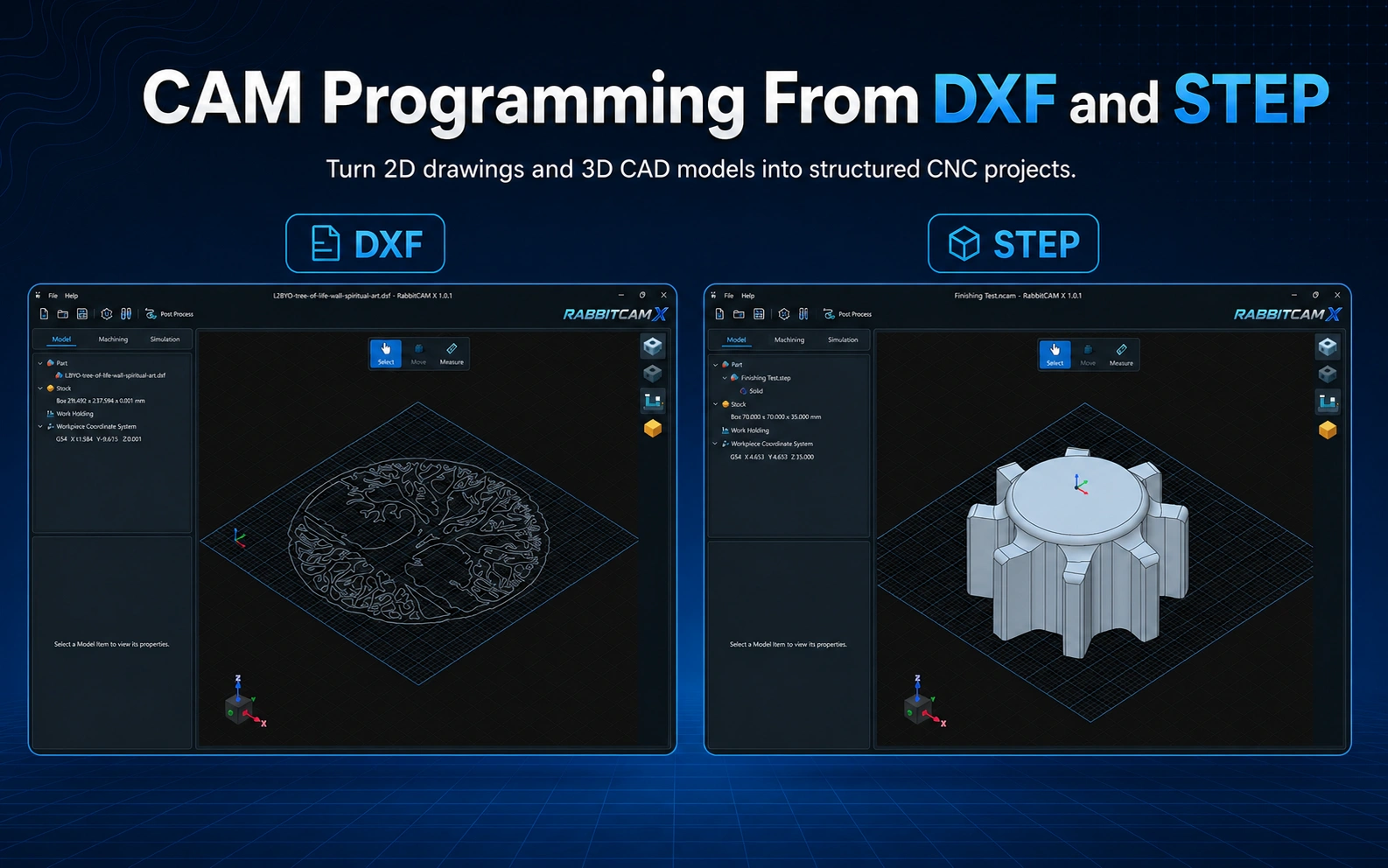
RabbitCAM X brings 3D CAD models and 2D drawings into a single, streamlined CNC workflow. Whether you are working with simple profiles, detailed drawings, or complete 3D part geometry, you can organize and prepare your design before creating machining operations and toolpaths.
With support for common CAD formats, RabbitCAM X helps you move naturally from design data to a complete 3-axis machining project, without switching between disconnected tools or applications.
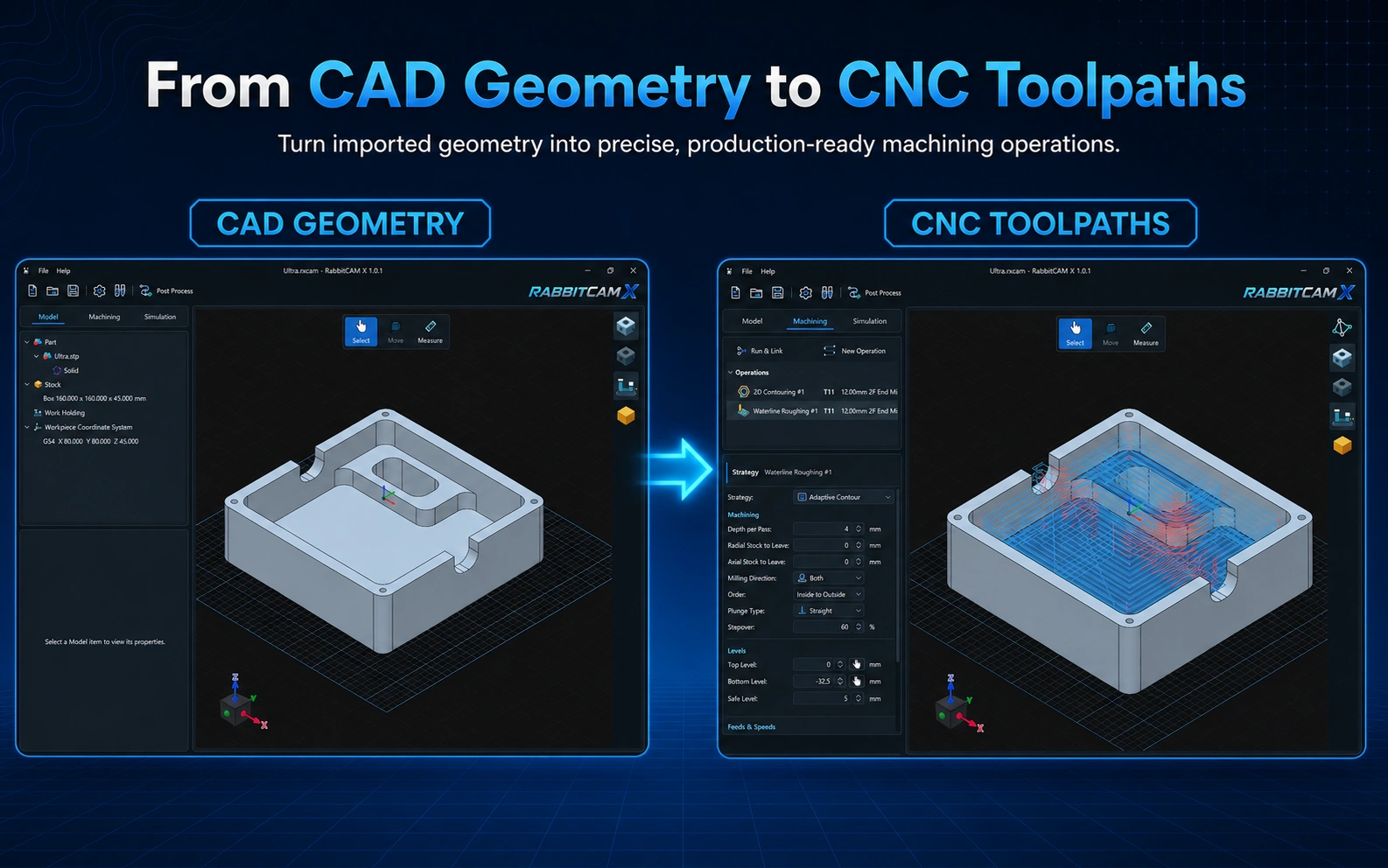
Turn imported geometry into machining operations by selecting the areas, curves, pockets, holes, or surfaces you want to machine. Configure tools, cutting depths, stepovers, feeds, and other operation-specific parameters from a focused interface.
Once each operation is configured, RabbitCAM X calculates and displays its toolpath so you can refine the complete CNC job before generating the final NC program.
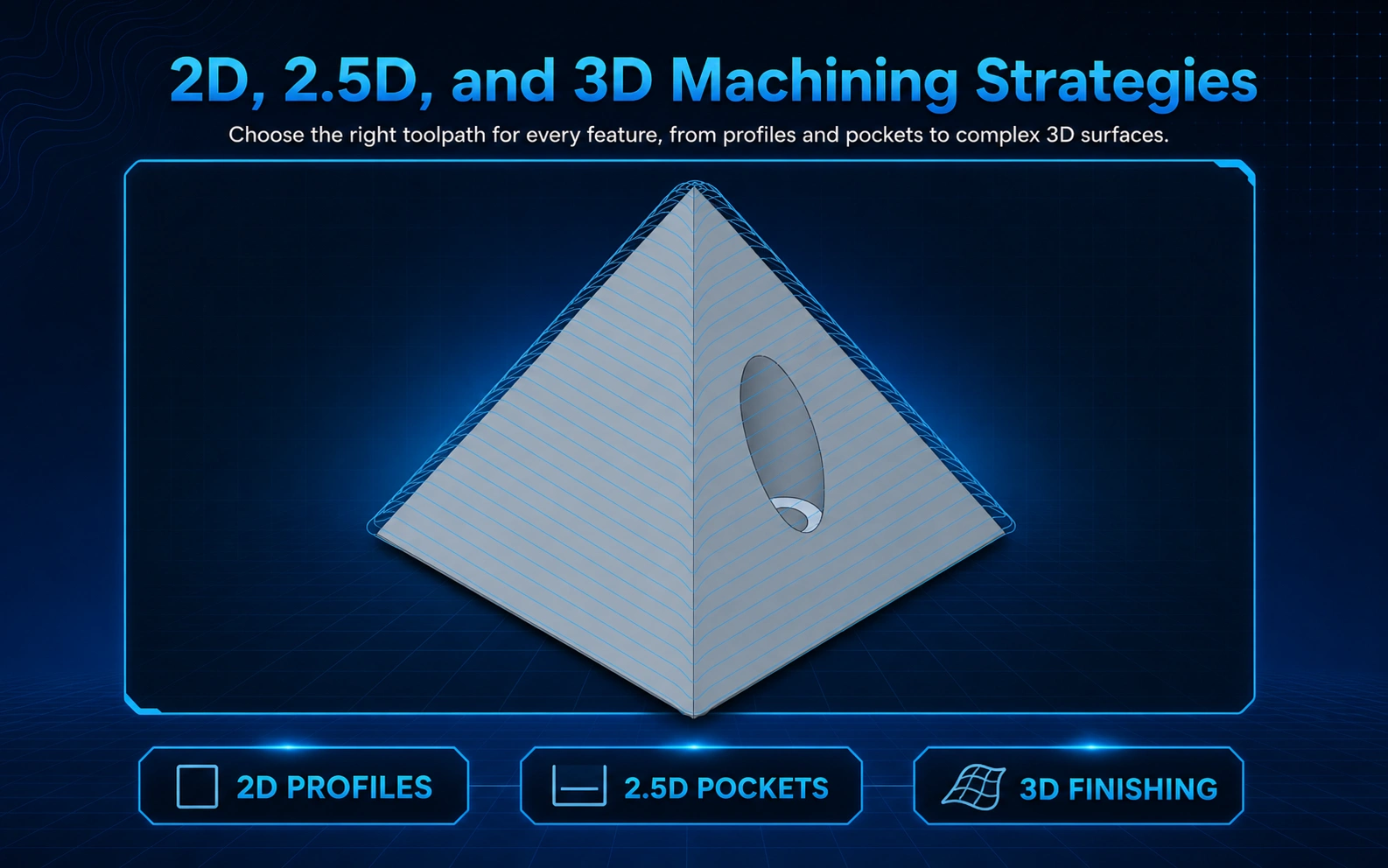
RabbitCAM X includes Facing, 2D Contouring, 2.5D Pocketing, Drilling, Waterline Roughing, Plunge Roughing, Waterline Finishing, and Surface Finishing strategies such as Scallop 3D.
This combination gives you the flexibility to machine flat stock, profiles, pockets, holes, stepped geometry, and detailed 3D surfaces within the same project.
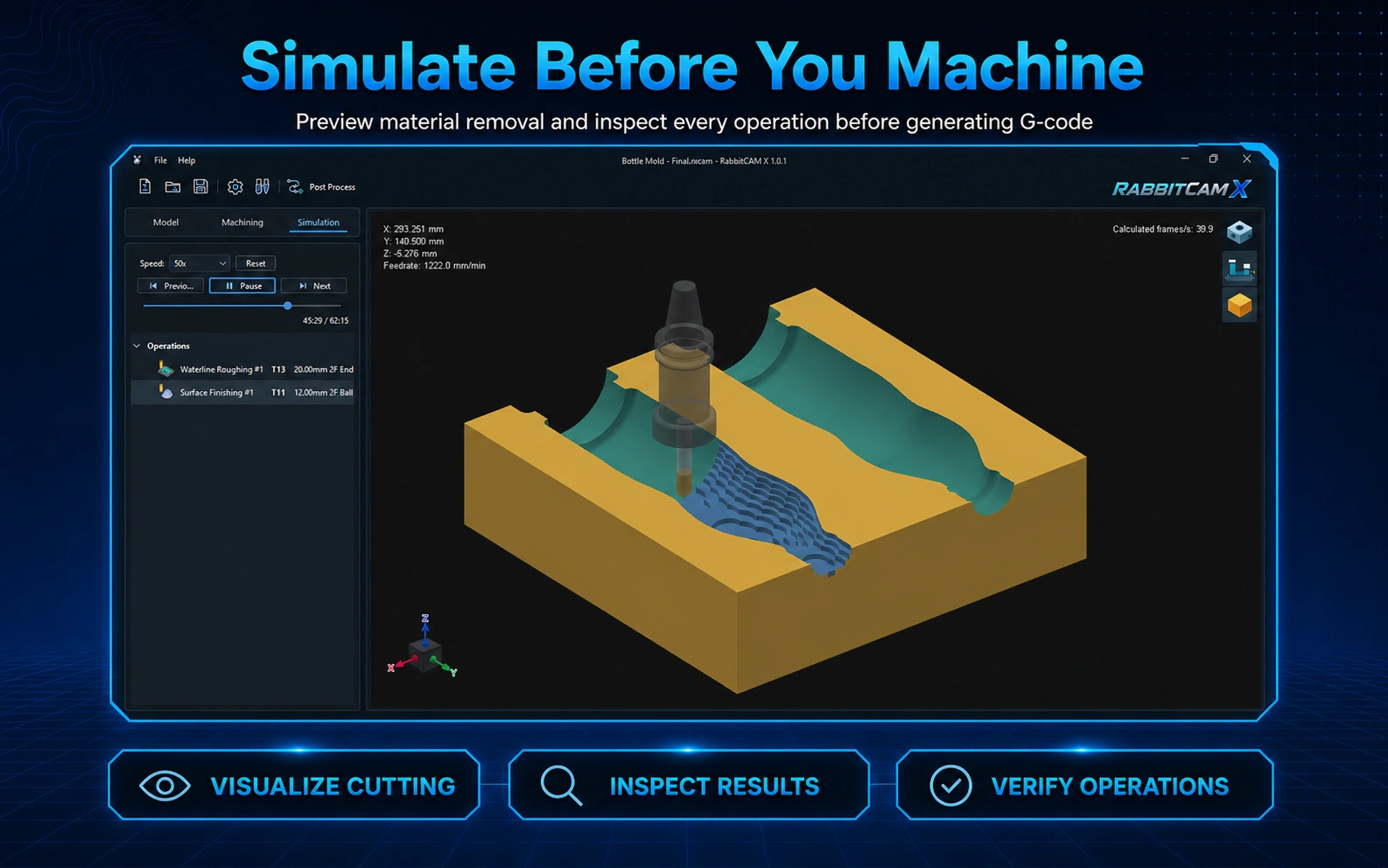
The interactive 3D workspace displays the imported part, stock, and calculated toolpaths so you can inspect the machining setup from different viewing angles.
Simulation visualizes the cutting motion and stock removal, helping you review the order of operations and understand how the finished part will be produced before sending a program to the CNC machine.
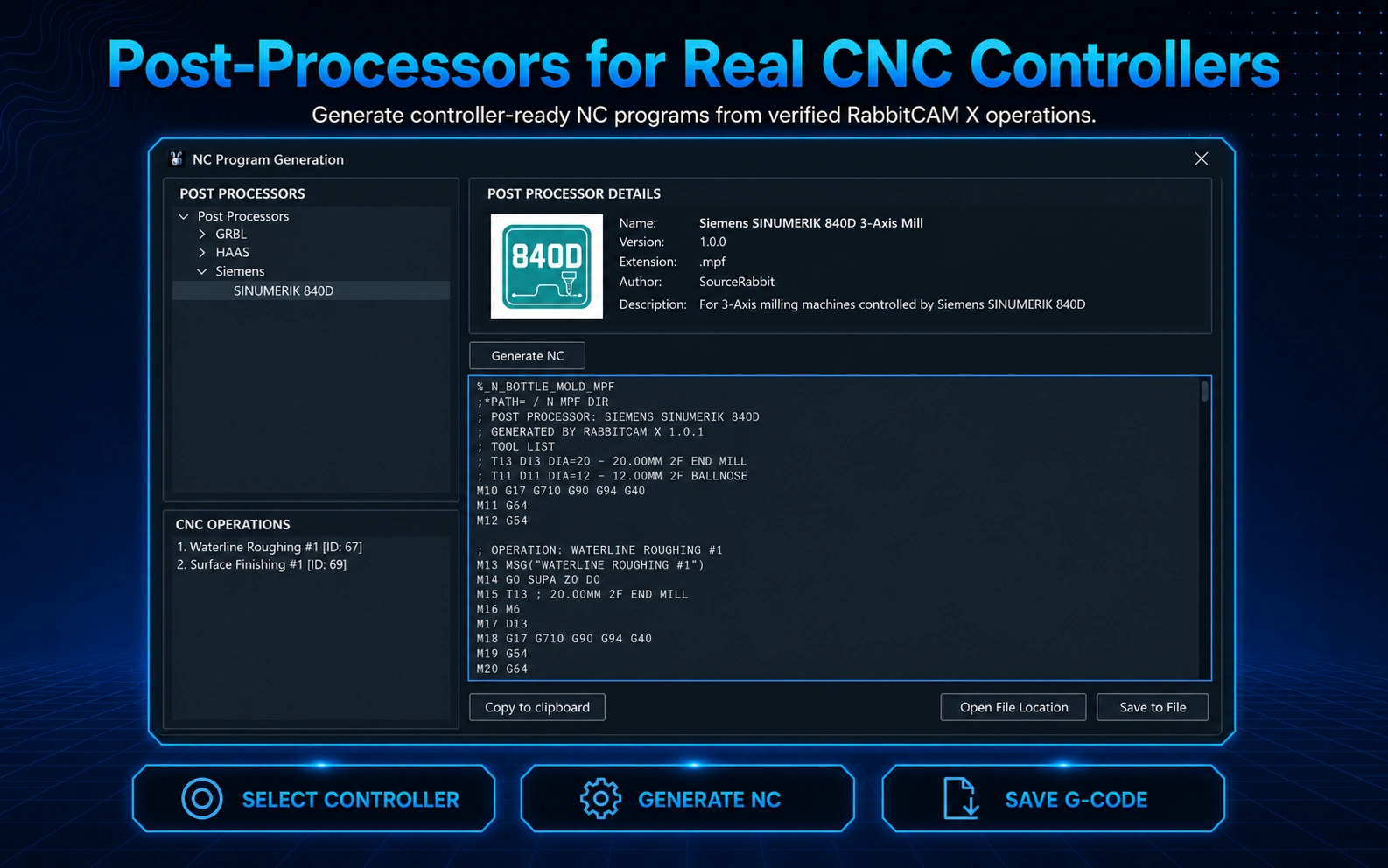
RabbitCAM X includes ready-to-use post-processors for HAAS, Siemens, Fanuc, Tormach PathPilot, GRBL, Mach3, and more.
Post-processors are written in JavaScript, making them easy to inspect, modify, and customize. Users can adapt an existing post-processor or create their own to match the specific requirements of their CNC machine or controller.
Need something specific? SourceRabbit can also develop custom post-processors for additional CNC controllers and machine configurations.
For a complete SourceRabbit workflow, you can generate a GRBL-compatible NC program in RabbitCAM X, open it in Focus, and send it directly to a compatible GRBL-based controller such as the Rabbit Board 4-Axis.
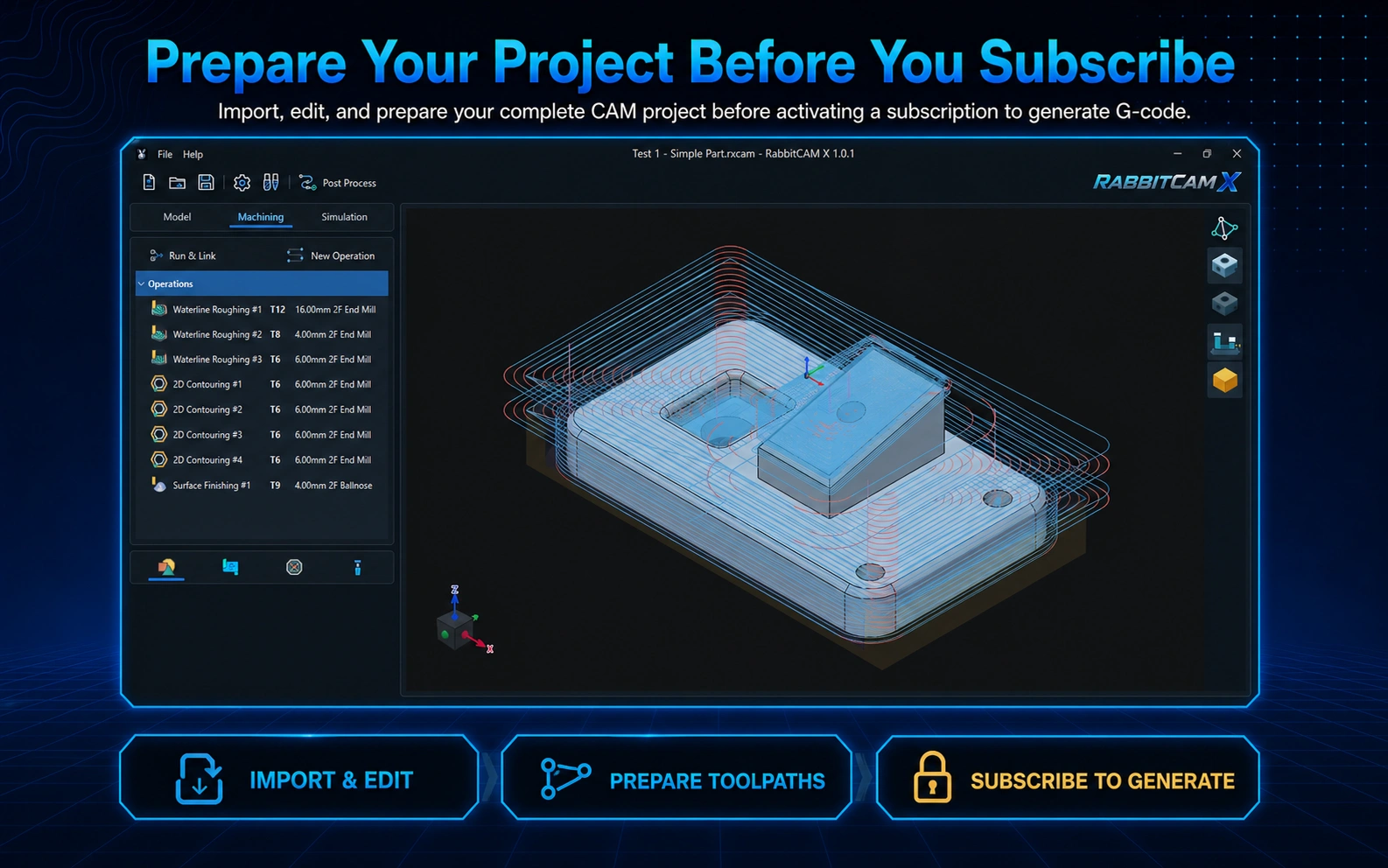
You can download RabbitCAM X and use it to import CAD files, create and edit projects, configure machining operations, calculate toolpaths, and run simulations before activating a subscription.
An active RabbitCAM X subscription is required to generate NC programs through the post-processors. This lets you prepare and evaluate your project before unlocking the final production output.
RabbitCAM X is CAM software for creating 2D, 2.5D, and 3D toolpaths for 3-axis CNC milling machines. It provides a visual workflow for turning DXF drawings and STEP models into machining operations and production-ready NC programs.
RabbitCAM X supports DXF drawings (.dxf) and STEP 3D models (.stp and .step).
RabbitCAM X includes Facing, 2D Contouring, 2.5D Pocketing, Drilling, Waterline Roughing, Waterline Finishing, and Surface Finishing operations for machining both simple profiles and complex 3D parts.
Yes. RabbitCAM X displays the imported geometry and calculated toolpaths in an interactive 3D workspace. Its simulation tools visualize the cutting motion and stock removal so you can inspect the machining job before generating the final NC program.
RabbitCAM X generates NC programs through configurable post-processors. It includes post-processors for HAAS, Siemens SINUMERIK, Tormach PathPilot, GRBL and MACH3. Compatibility depends on selecting the correct post-processor and verifying that its output matches your CNC machine configuration.
Yes. You can generate a GRBL-compatible NC program with RabbitCAM X, open it in Focus, and send it to a compatible GRBL-based controller such as Rabbit Board 4-Axis. RabbitCAM X creates 3-axis machining jobs, even though Rabbit Board 4-Axis can control up to four axes.
You can download RabbitCAM X and use it to import CAD files, create projects, configure machining operations, calculate toolpaths, and run simulations. An active RabbitCAM X subscription is required to generate NC programs through the post-processors.
RabbitCAM X is available for 64-bit Windows systems.
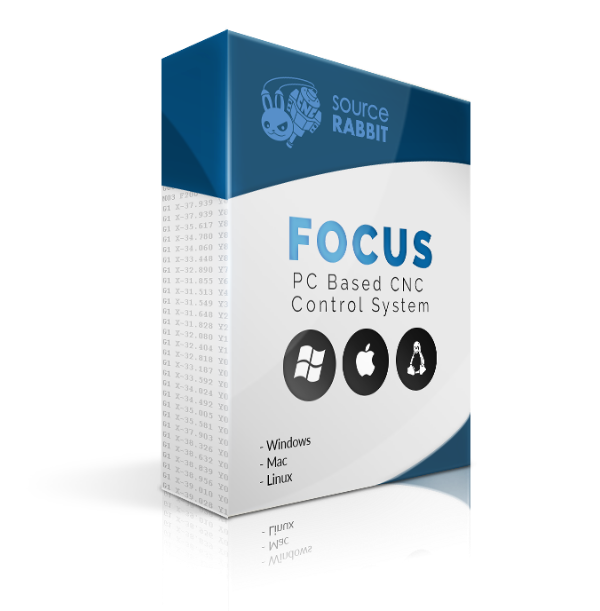
PC-based 6-axis CNC control system for mills, routers, lasers, and plasma cutters, running on GRBL control boards. Supports USB, WiFi & Ethernet connections.
View Product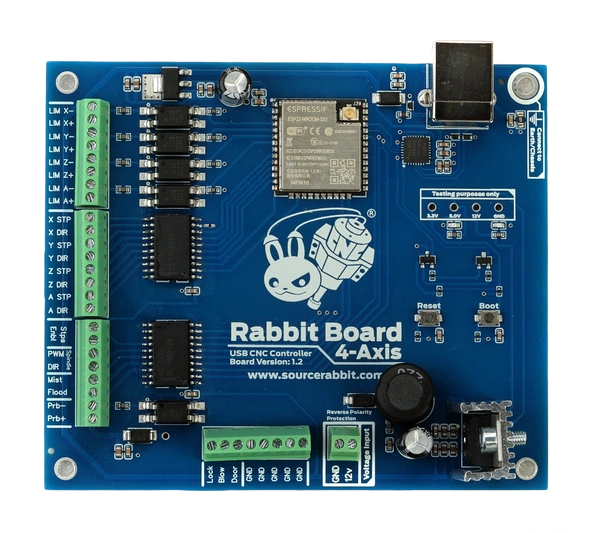
Robust GRBL-based CNC motion controller for up to 4 axes, featuring buffered STEP/DIR outputs, 12V opto-isolated inputs, and a noise-resistant power design for real CNC environments.
View Product