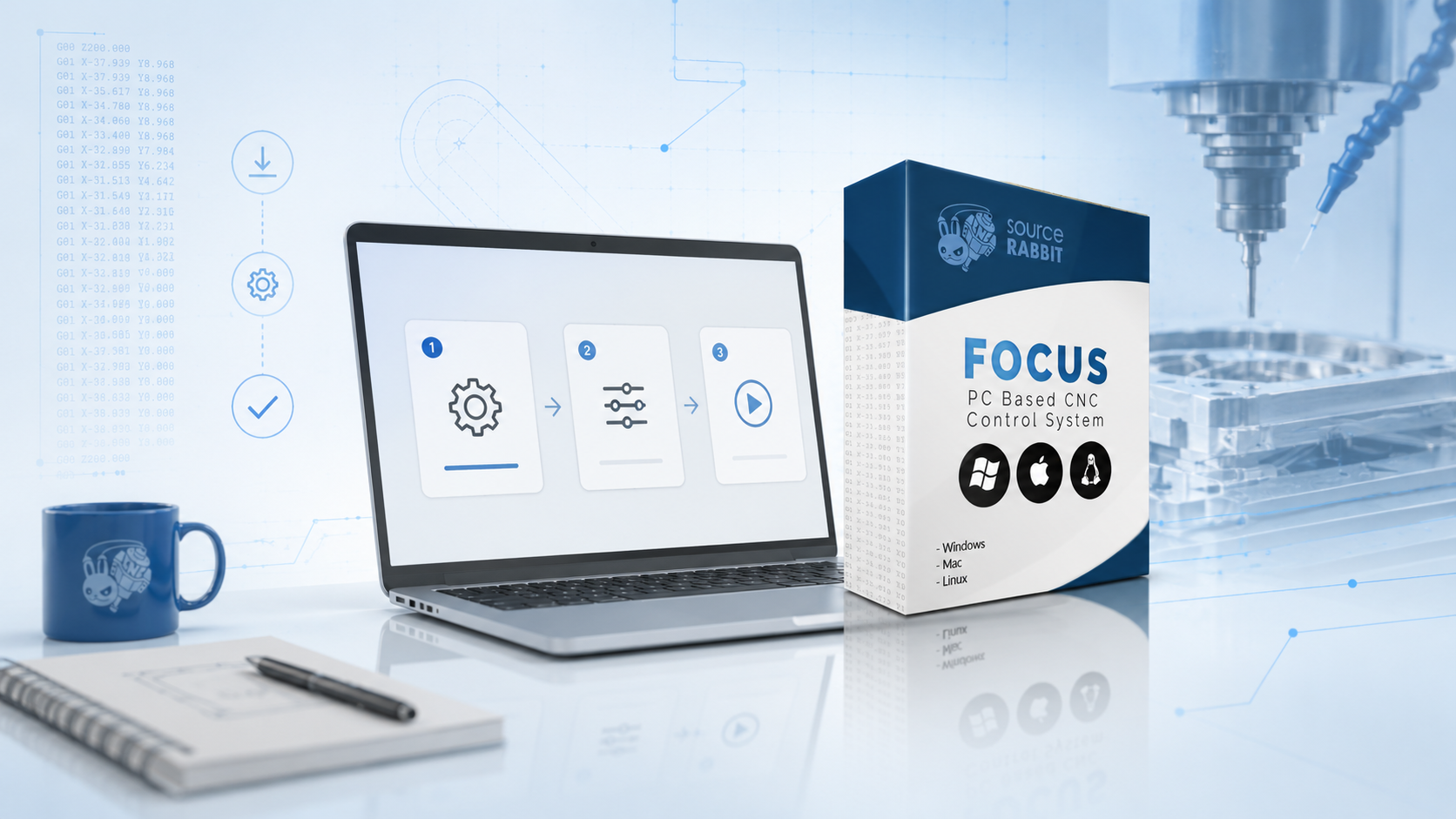
Getting Started with Focus
Learn what Focus is, what you need before using it, and how it fits into a SourceRabbit CNC workflow.
Read Article
Find product guides, setup instructions, troubleshooting articles and CNC workflow documentation for SourceRabbit products.
Find setup guides, activation help, connection instructions, machine configuration notes, and troubleshooting articles for Focus CNC control software.
Learn what Focus is, what you need before using it, and how it fits into a SourceRabbit CNC workflow.
Read Article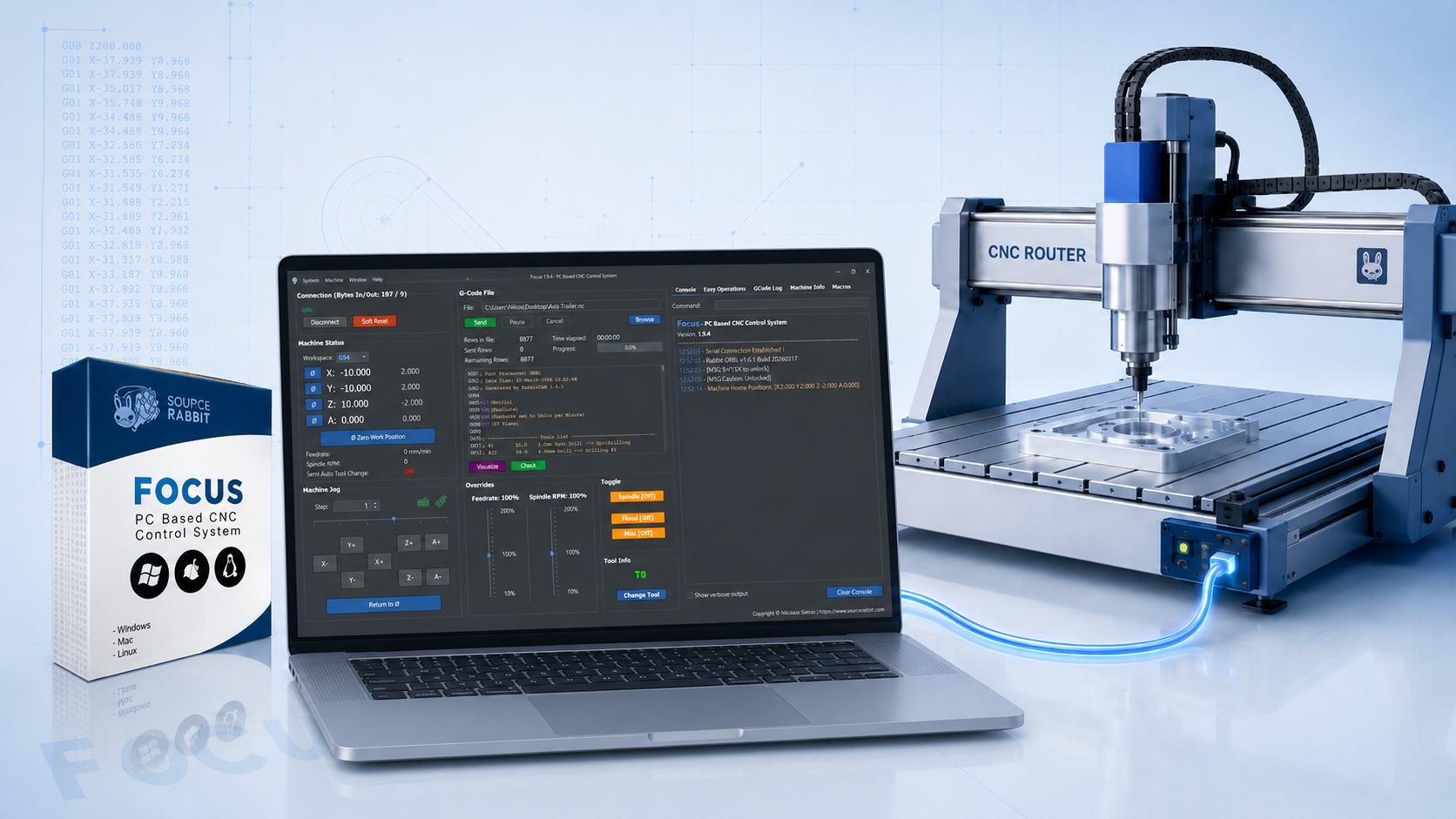
Connect Focus to your CNC controller and verify basic communication.
Read Article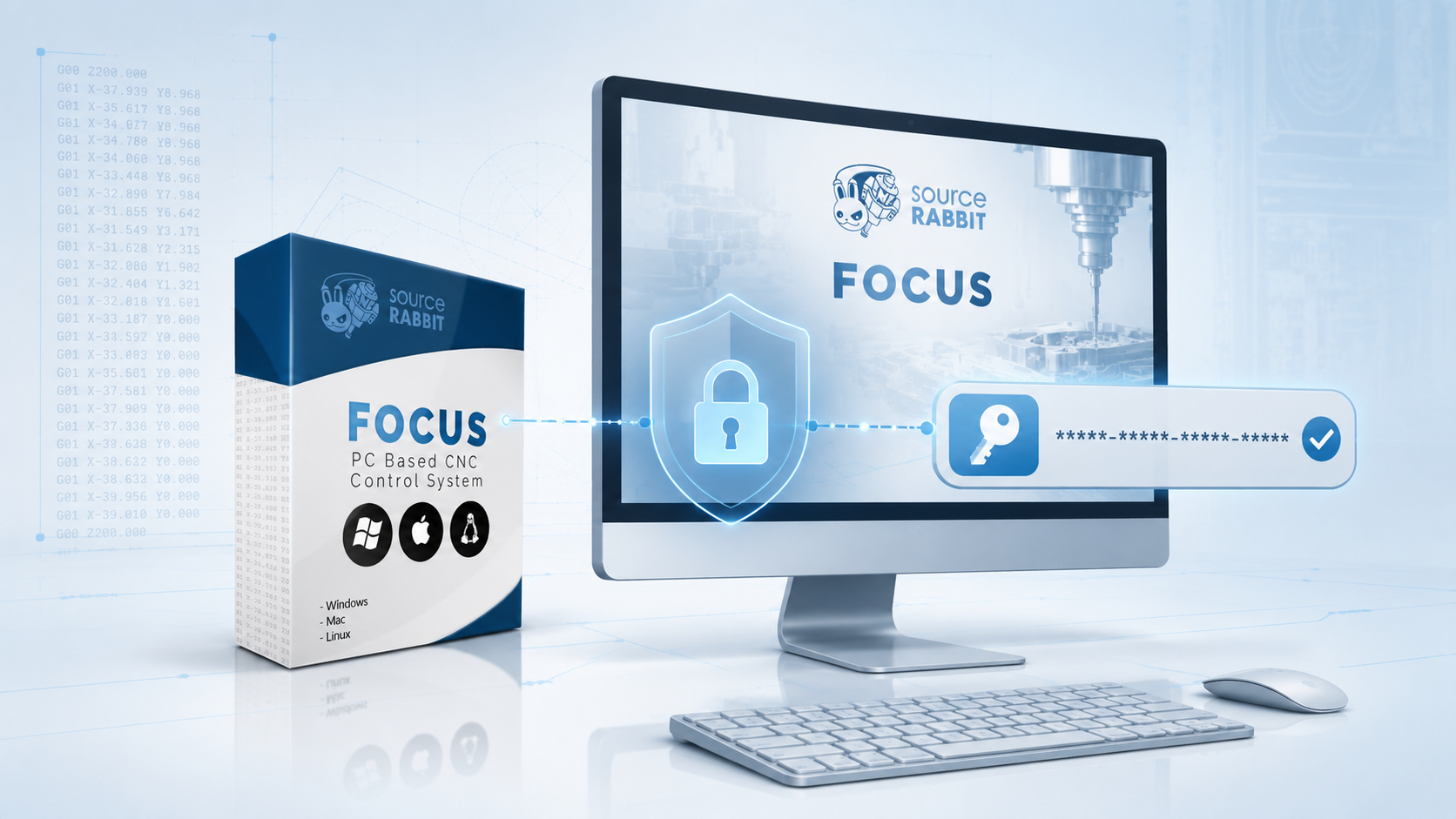
Activate your Focus license from the Control screen, understand how the license is connected to your computer, and learn where you can manage your purchased licenses.
Read Article
Use Focus with a tool setter or touch plate to measure tool length automatically during semi-automatic tool changes.
Read Article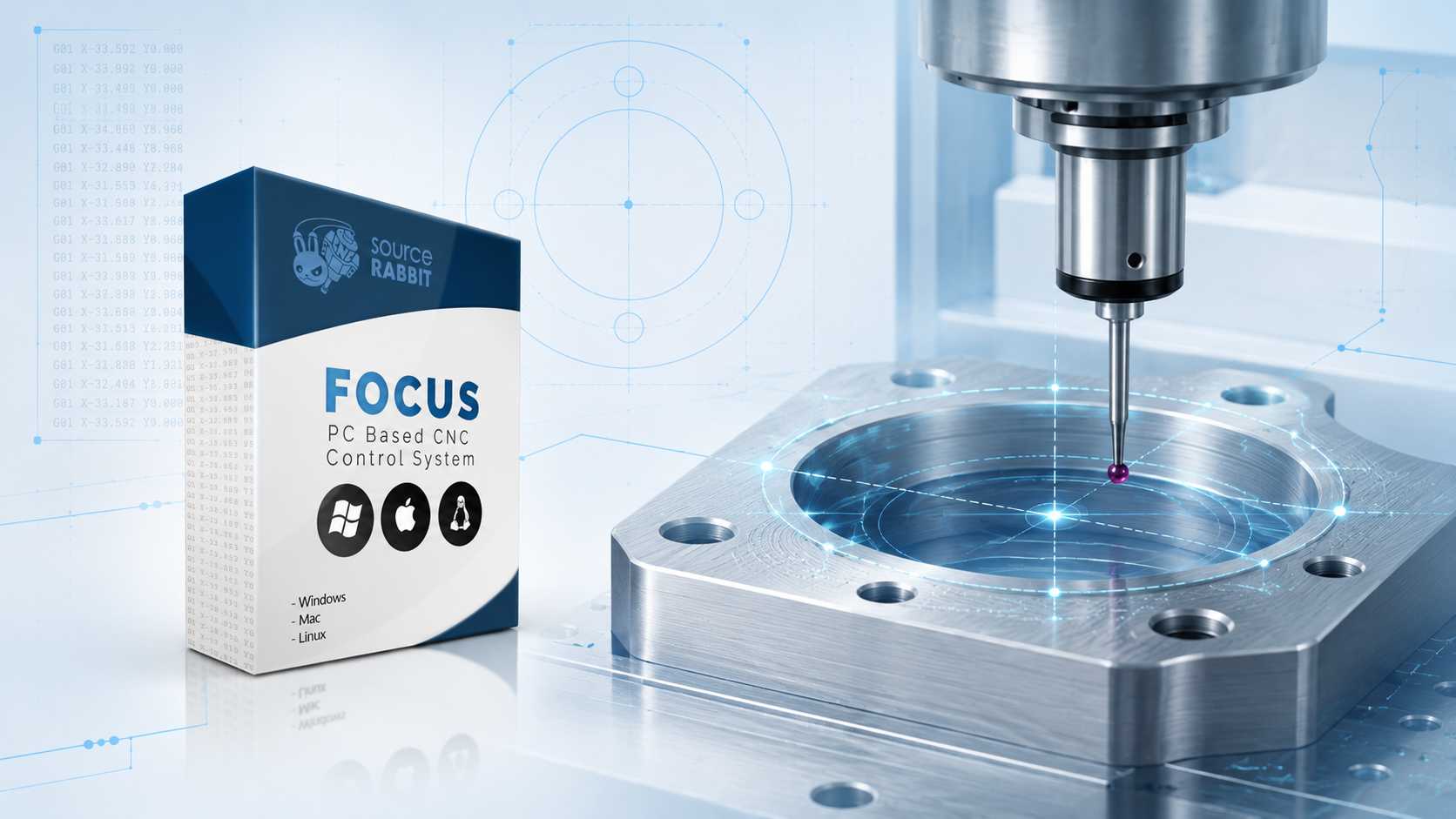
Learn how to use SourceRabbit Focus and a 3D Touch Probe to locate the center of a hole on a GRBL CNC machine.
Read Article
Understand how SourceRabbit Focus uses a 3D Touch Probe to scan surfaces and create point cloud data for CNC workflows.
Read ArticleSetup, connectivity, configuration, and troubleshooting guides for the SourceRabbit Rabbit Board 4-Axis.
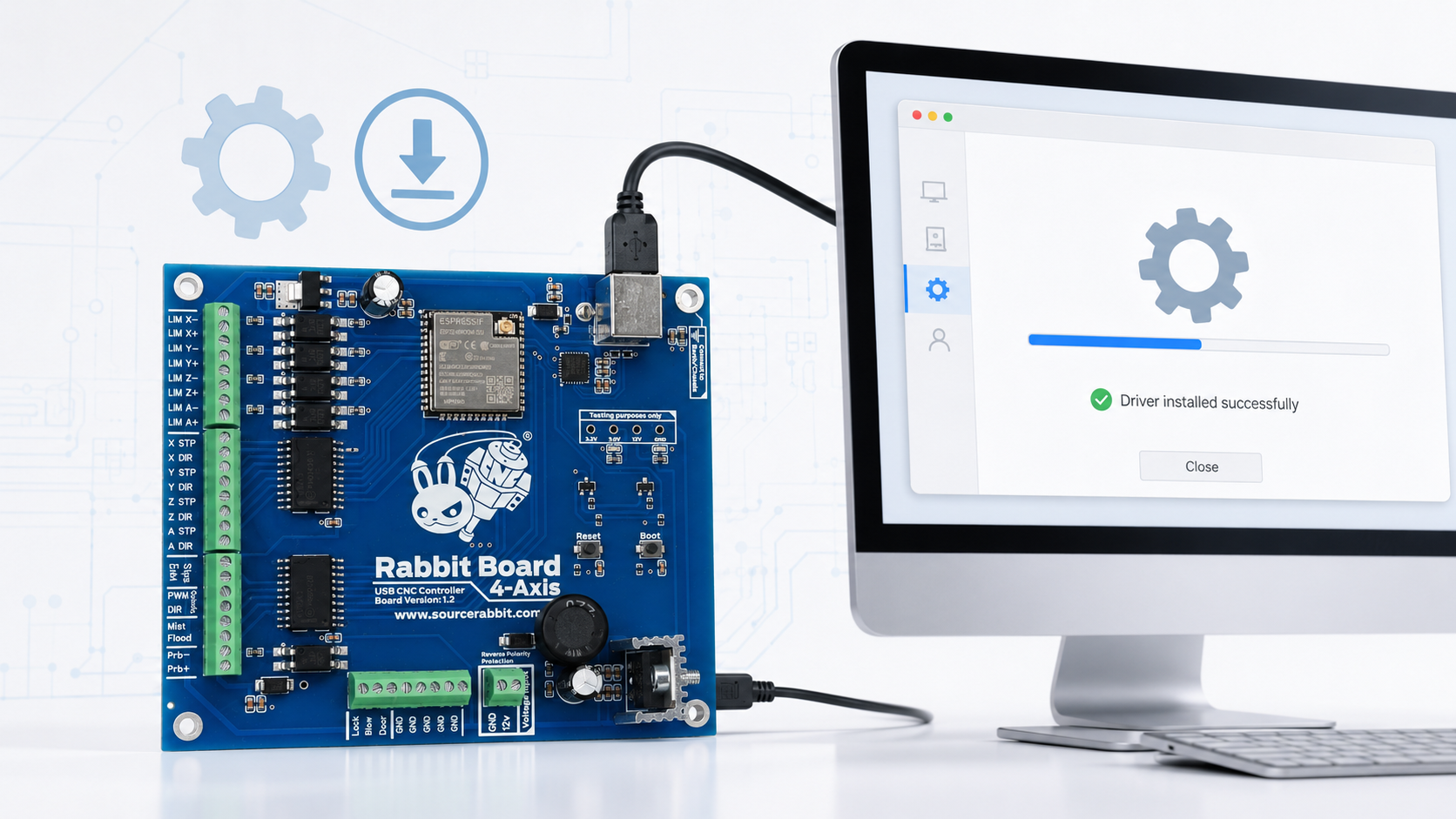
Install the Silicon Labs CP210x VCP driver when your computer does not recognize the Rabbit Board 4-Axis or does not create a serial port.
Read Article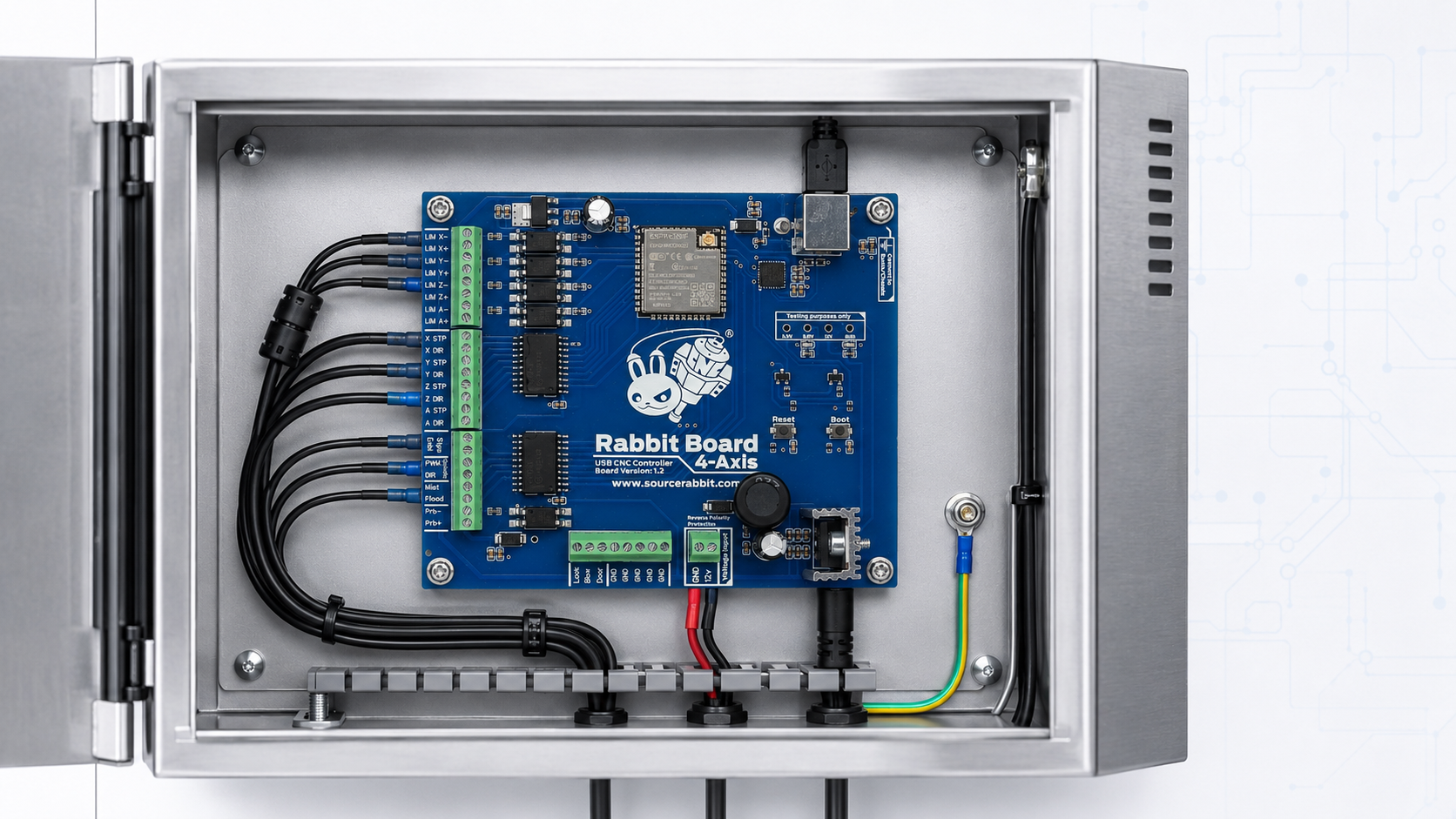
Essential safety guidance for installing the Rabbit Board 4-Axis in a properly grounded, shielded CNC control enclosure.
Read Article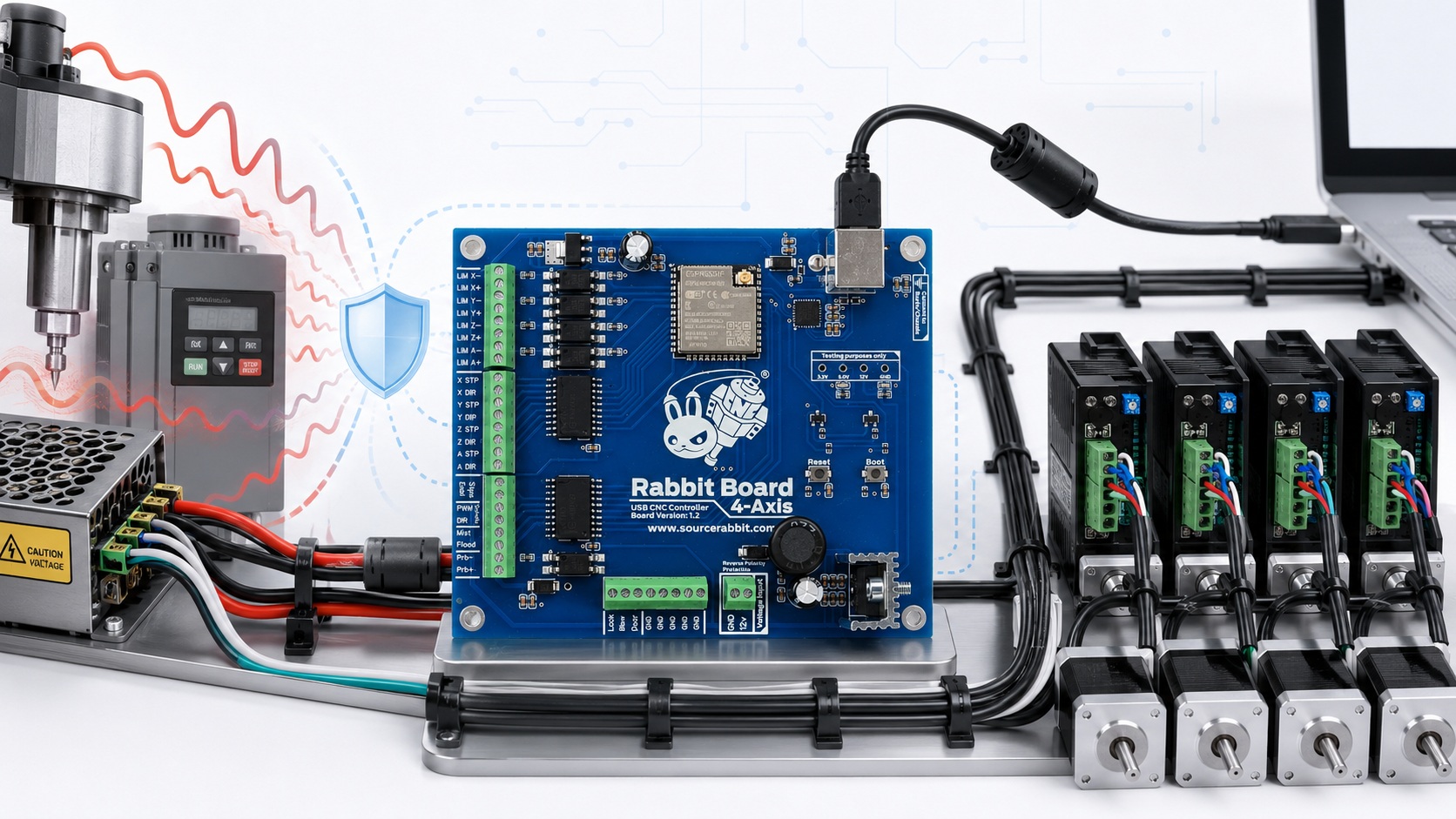
Improve USB connection reliability by reducing electromagnetic interference from power supplies, motors, spindles, VFDs, and other CNC equipment.
Read Article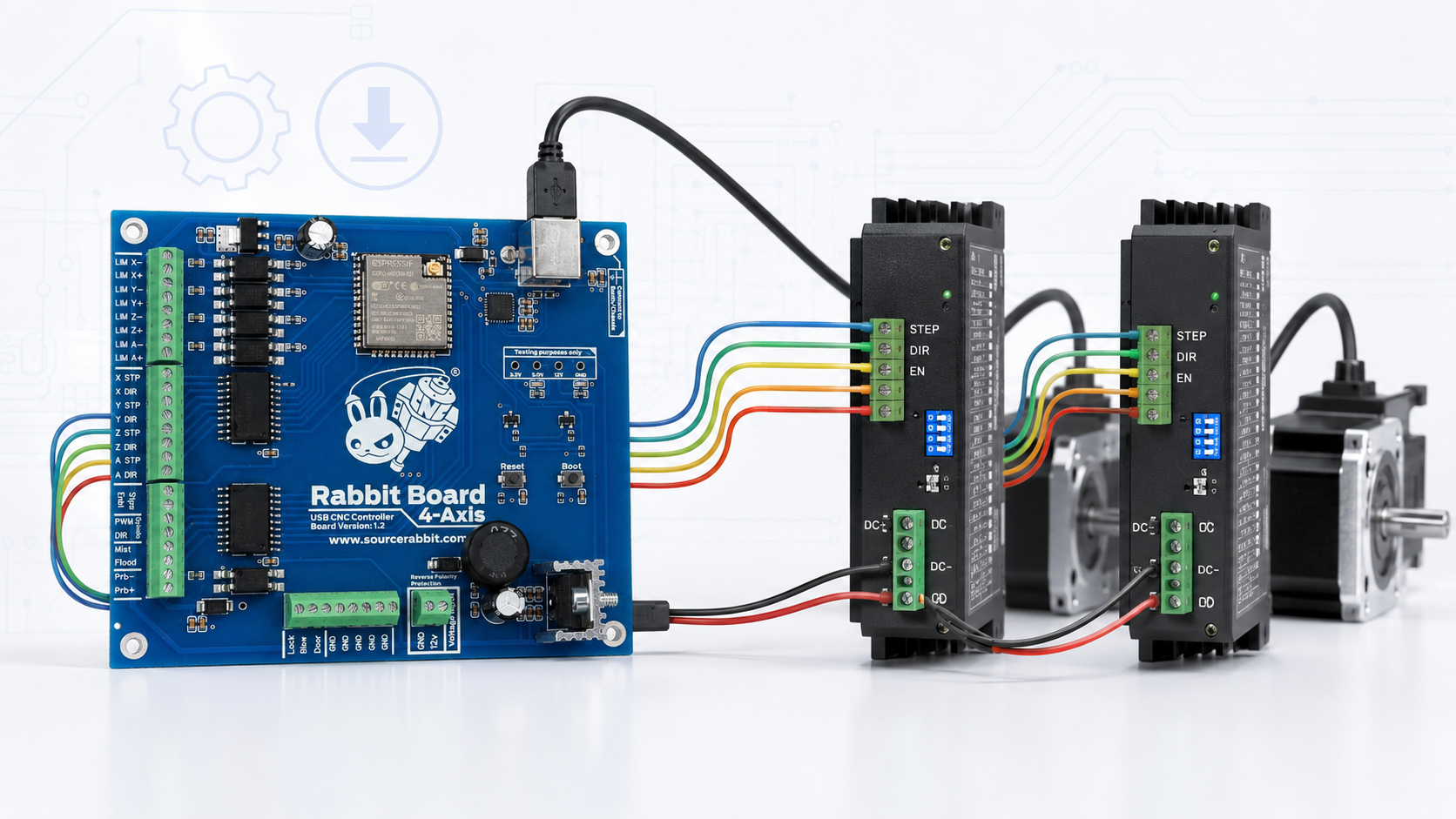
Connect external stepper or servo drivers to the STEP, DIR, and ENABLE control outputs of the Rabbit Board 4-Axis.
Read Article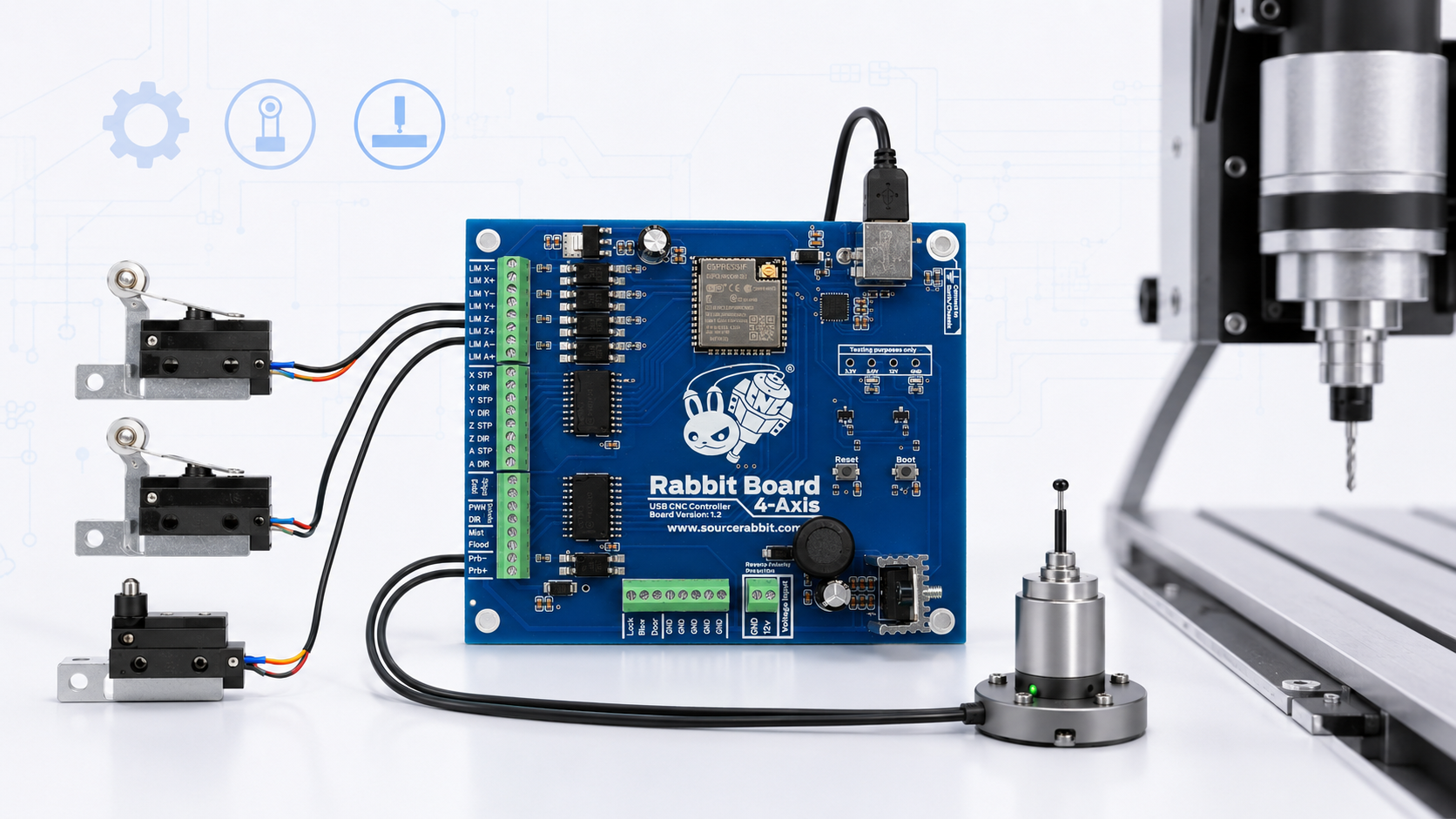
Connect Normally Closed limit switches and a Probe or Tool Setter to the opto-isolated inputs of the Rabbit Board 4-Axis.
Read Article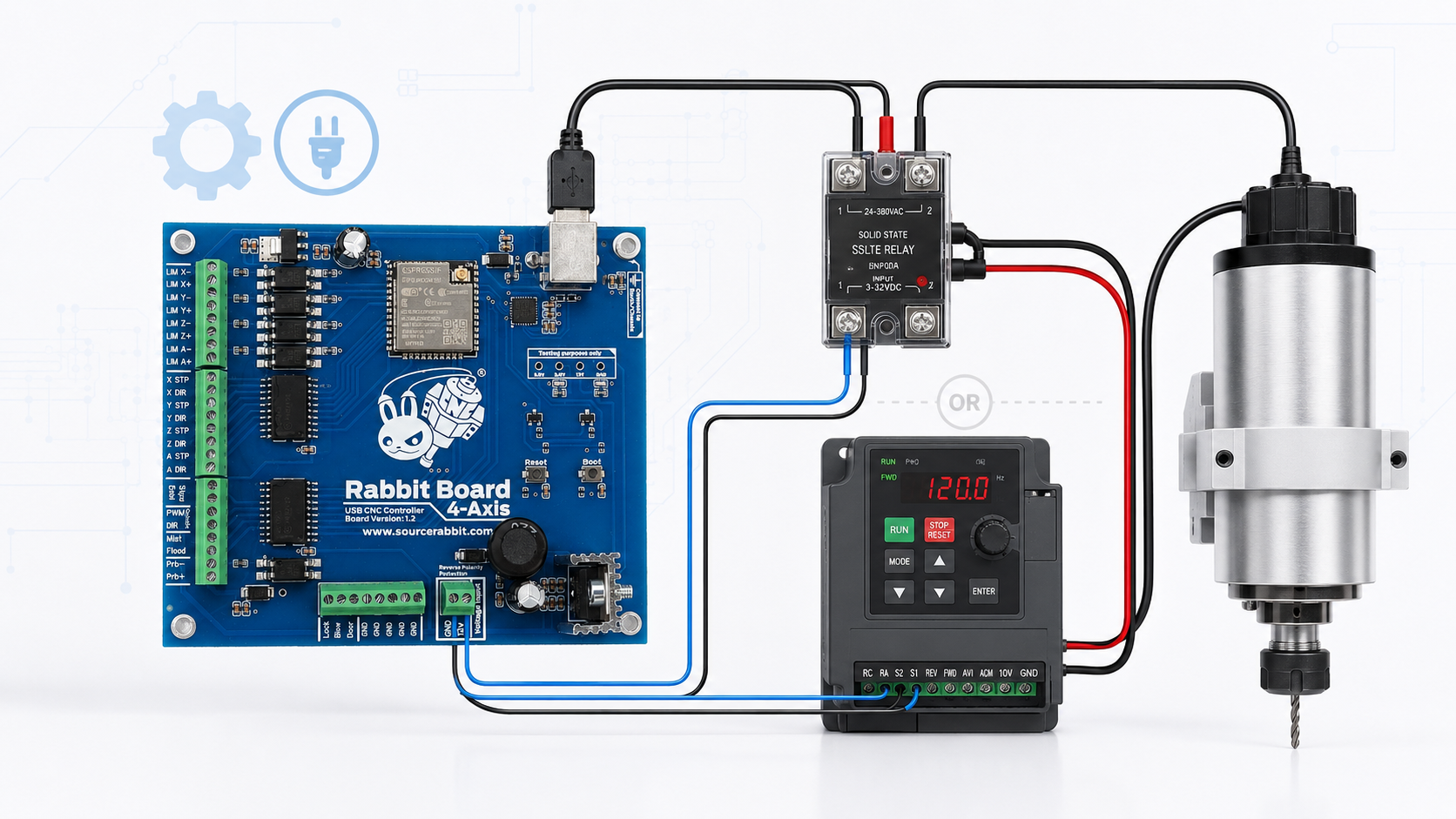
Control a spindle through a Solid State Relay for simple ON/OFF operation or through a VFD for variable-speed control.
Read Article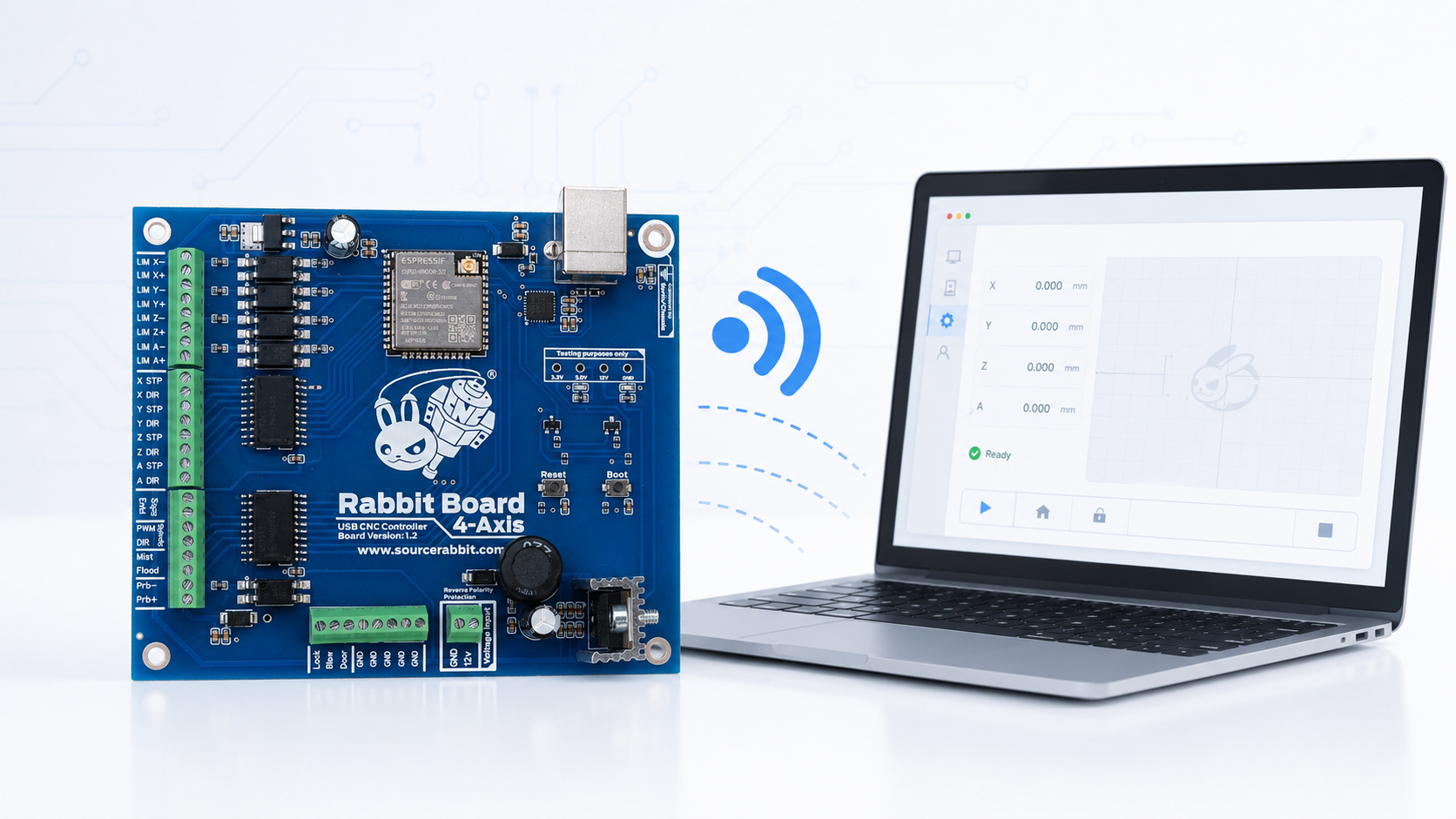
Configure Rabbit GRBL Wi-Fi, find the Rabbit Board IP address, and connect through TCP from Focus or another compatible G-code sender.
Read Article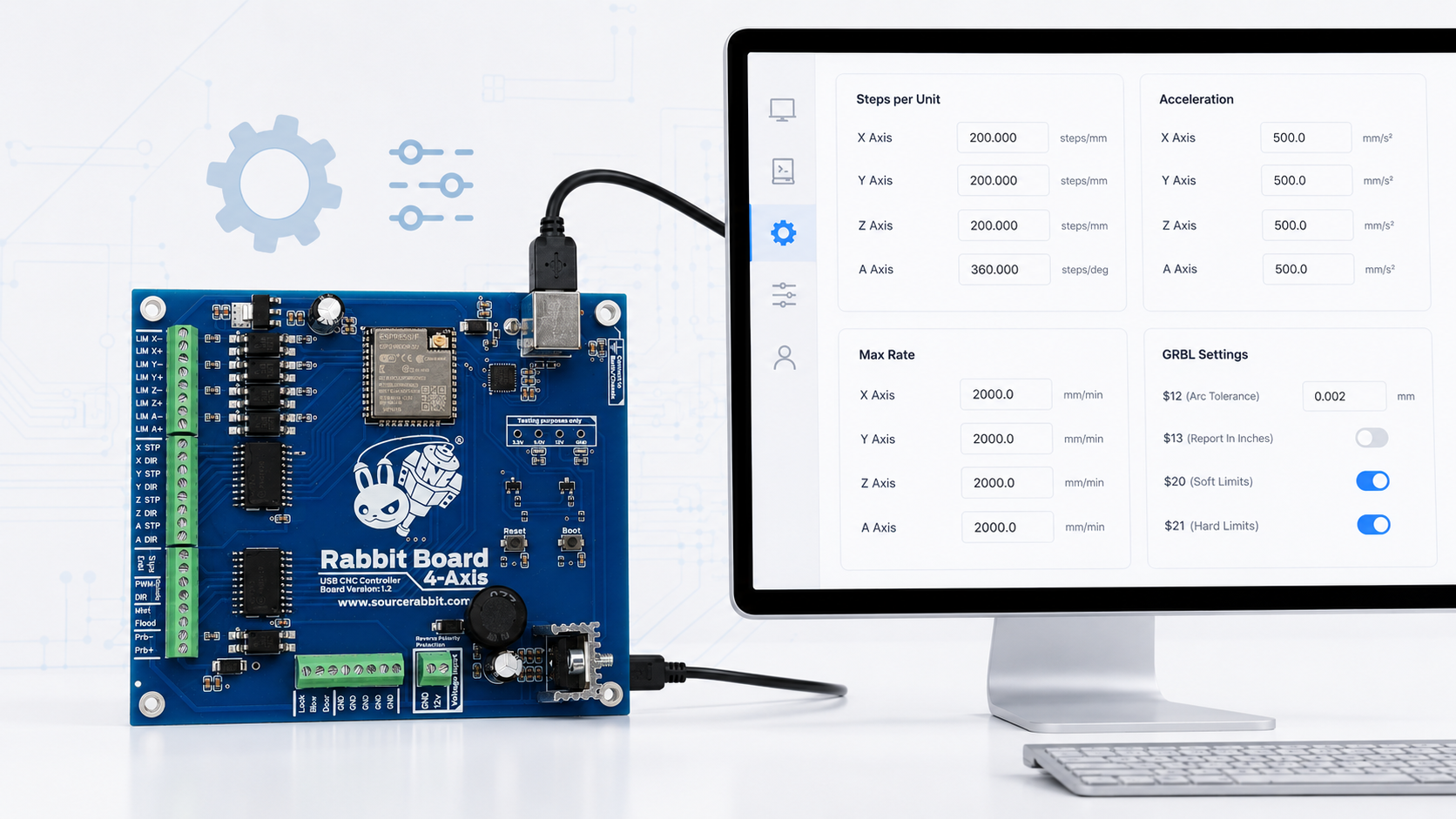
Configure steps per unit, maximum rate, acceleration, and maximum travel for the X, Y, Z, and A axes of the Rabbit Board 4-Axis.
Read ArticleJoin the SourceRabbit Discord community for live support and product discussions.